
Audience: Designed for retail office sales associates at a national furniture retailer, as well as operational leads seeking a streamlined, interactive approach to managing core sales functions and customer data.
Role: Instructional Design, eLearning Development, Visual Design, Storyboarding, Action Mapping, Prototyping
Tools Used: Adobe Captivate, Adobe Creative Cloud, Figma, Animaker, Veed.io
The Need
This project addresses the need for a modern, high-interactivity training solution that moves beyond static manuals to reflect the fast-paced nature of the retail office. The complexity of the sales associate position—involving real-time inventory management, financing logistics, and customer relations—demands a structured learning experience that bridges the gap between software theory and floor-ready application. Our goal is to equip learners with the practical technical skills and confidence required to handle high-volume sales transactions, ensuring the learning sticks.
The Process
To guide the course structure, I first performed a content analysis of the core retail workflows: Customer Entry, Inventory Search, Financing Logistics, Sales Processing, and Post-Purchase Support. Given my passion for turning complex information into visual explorations, I structured the immersive redesign into distinct interactive modules to provide a clear, linear progression for the associate.
I observed that complex retail software and legacy documentation can often overwhelm learners. To address this and make learning stick:
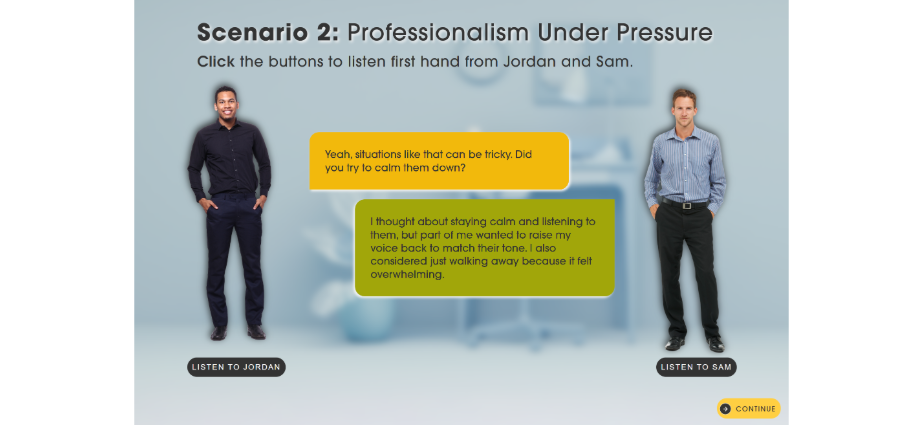
The Simulation Scenarios and Performance Checks were structured to move beyond simple recall, requiring associates to assess and solve real-world retail challenges, which aligns with the goal of developing new skills and improving performance (operational accuracy).
I segmented the content to ensure each module was tightly focused (e.g., separating “Inventory Selection” from “Financing Logistics” while maintaining their functional connection in the sales funnel).
I designed the learning experience to be interactive by pairing technical training with Interactive Resources (like simulated POS interfaces, dynamic inventory maps, and customer data visuals) to provide a necessary visual exploration and break from text-heavy manuals.
Text- Based Storyboard and Visual Mockups
After the approval of the action map, I began working on a text-based storyboard that detailed the structure of each module.
Interactive Prototype
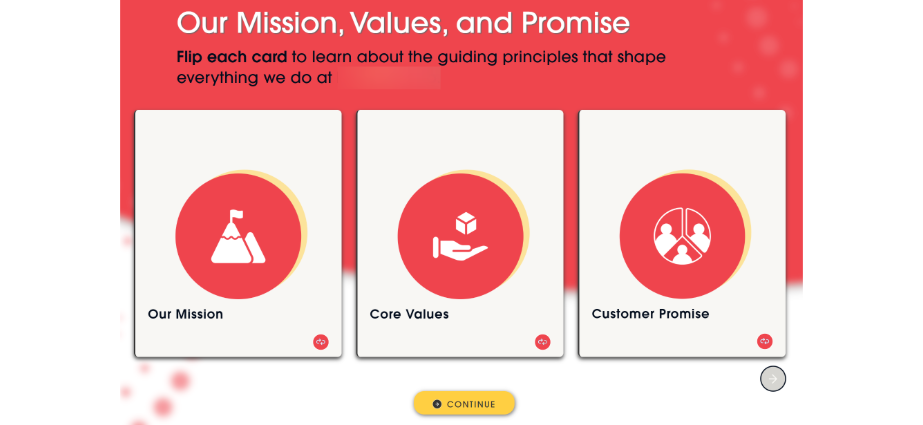
I created an interactive prototype using Adobe Captivate to test the navigation, visual theme, and flow. The prototype included:
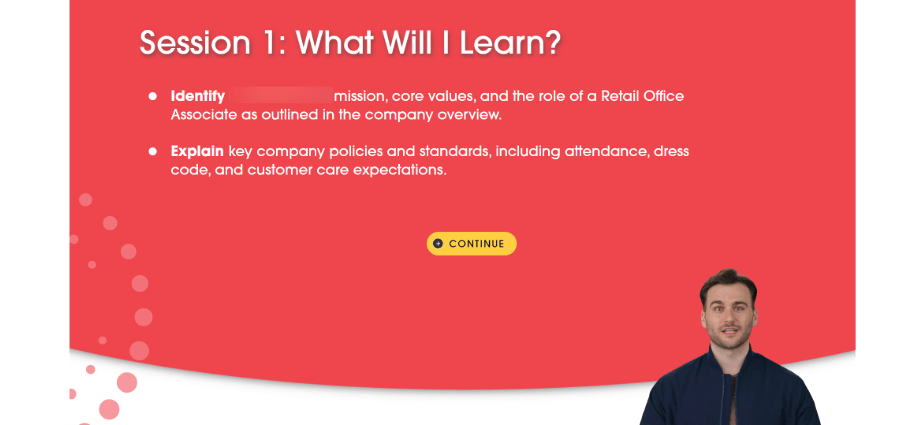
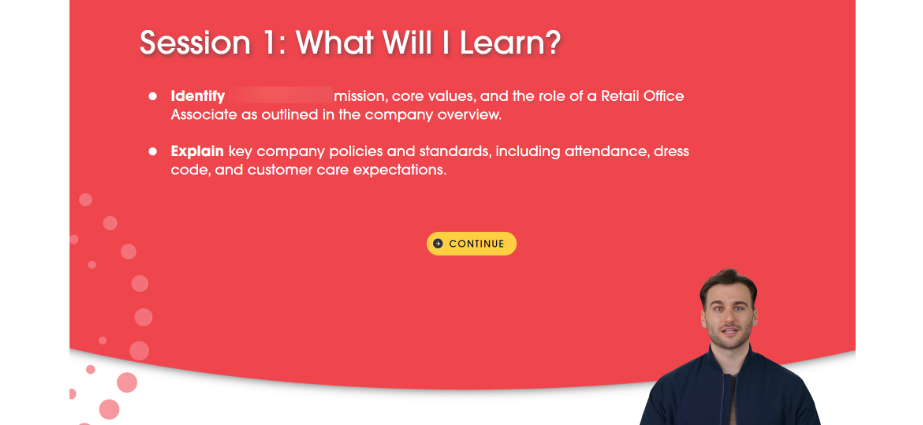
- The Course Introduction and core Learning Objectives.
- A functional sample of the first part of the training.
- The Simulation Assessment structure to ensure performance-based engagement points were functional and clear.
I received feedback on the user experience and visual design to ensure the complex retail workflows were presented in an engaging and accessible format.
Full Development
After collecting feedback and applying iterations, I started to develop the project in full.
 camilondono.com